
A few years ago, managing a team was straightforward. Everyone worked from the same office, managers could walk over to someone’s desk for an update, and it was easy to understand how work was progressing.
Remote work changed that completely.
Now teams work from different cities, sometimes different countries, and most communication happens through Slack messages, Zoom calls, or emails. While remote work gives flexibility, it also creates confusion for many businesses.
Managers often ask the same questions:
- Is the work moving on time?
- Are logged hours accurate?
- Why are some projects delayed?
- Which employees are overloaded?
- Where is time actually going?
That’s one reason many companies are now using time tracking with live screening.
Not because they want to spy on employees, but because remote work requires more visibility than office work ever did.
The Problem With Basic Time Tracking
Most businesses already use some type of time tracker.
Someone clocks in. Someone clocks out. A report shows eight working hours.
But numbers alone rarely tell the full story.
An employee might log a full day while constantly switching between unrelated tasks. Another employee may finish meaningful work in fewer hours but appear less productive on paper.
Managers eventually realize they need context, not just timesheets.
That’s where live screening becomes useful. It adds real visibility to the workday instead of relying entirely on manual updates or assumptions.
What Live Screening Actually Means
Some people hear the term “live screening” and immediately imagine aggressive surveillance.
In reality, most companies use it much more practically.
The goal is usually simple:
- Understand workflow
- Verify project activity
- Reduce reporting confusion
- Improve accountability
- Support remote operations
For example, if a client project suddenly falls behind schedule, managers can quickly check whether the issue comes from delays, workload imbalance, or communication gaps.
Without visibility, teams spend days guessing.
With proper tracking, problems become easier to identify early.
Remote Teams Need Structure
One thing many business owners underestimate is how much structure disappears in remote environments.
In an office, visibility happens naturally. You can tell when someone is focused, struggling, unavailable, or overloaded without needing a formal system.
Remote work removes those everyday signals.
That’s why companies often run into issues like:
- Missed deadlines
- Delayed responses
- Inaccurate work logs
- Payroll disputes
- Low accountability
- Uneven workload distribution
The larger the team becomes, the harder those problems are to manage manually.
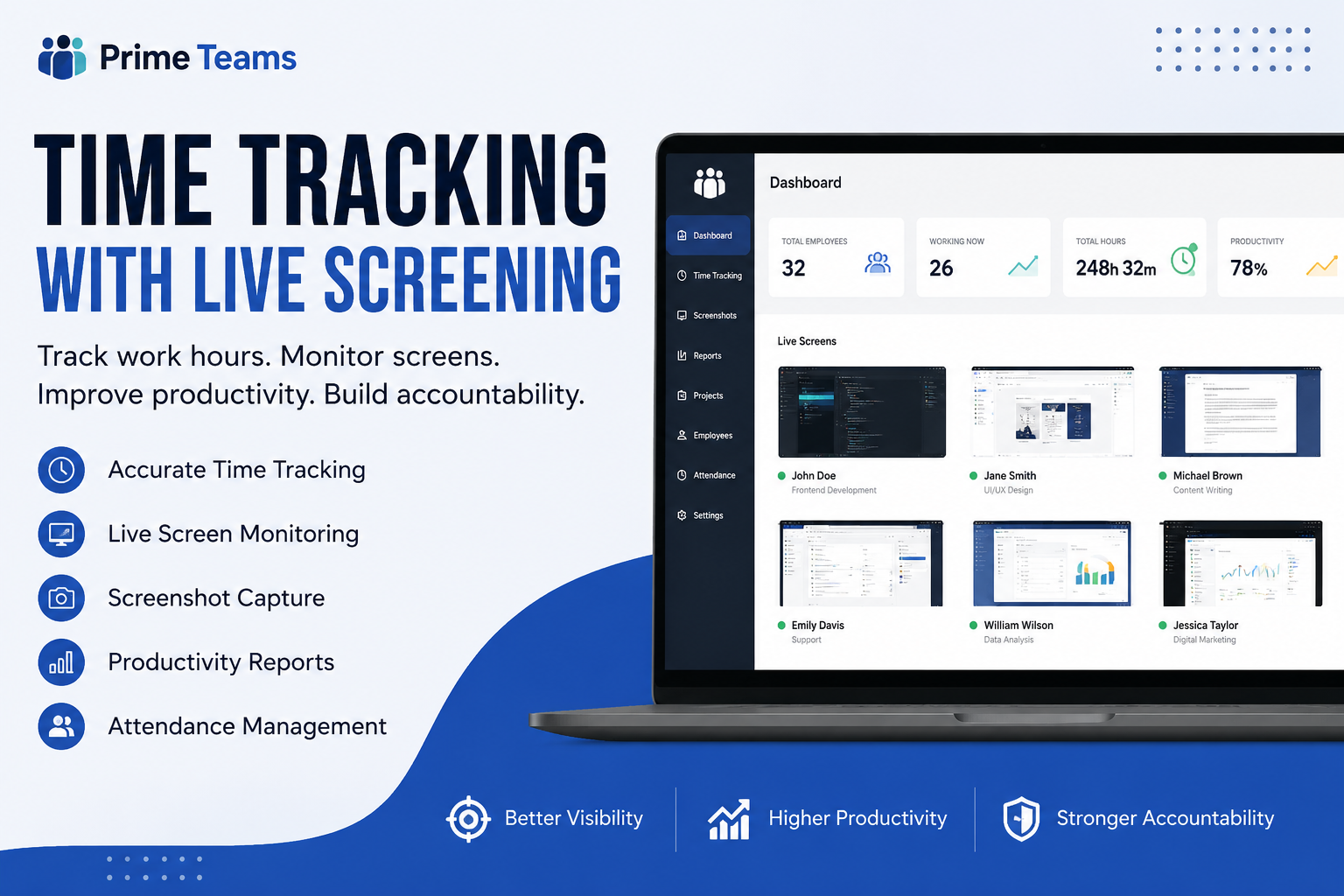
Using software like Prime Teams helps businesses organize remote work more clearly through time tracking, attendance management, screenshots, and productivity reporting.
What Businesses Usually Look For
Every company has different requirements, but a few features consistently matter more than others.
Automatic Time Tracking
Manual timesheets are frustrating for both employees and managers. People forget to update them, and corrections become messy later.
Automatic tracking removes that extra effort.
Real-Time Visibility
Managers do not need to interrupt employees constantly for progress updates when workflows are already visible.
Screenshots and Activity Monitoring
For agencies and outsourced teams, screenshots help validate work progress and maintain transparency with clients.
Productivity Reports
Detailed reports help companies identify patterns over time instead of making decisions based on assumptions.
Attendance Tracking
For larger teams, attendance records simplify payroll calculations and scheduling.
The Biggest Benefit Is Fewer Assumptions
One interesting thing happens when companies implement proper tracking systems.
Conversations become more objective.
Instead of:
“I think this task took too long.”
The discussion becomes:
“This task required 14 working hours because approvals were delayed.”
That difference matters.
Data reduces unnecessary conflict because managers and employees can look at actual work patterns instead of relying on opinions.
In many cases, tracking systems even help employees prove their workload more accurately.
Employees Usually Care About Transparency
Most employees are not against tracking itself.
What frustrates them is unclear policies.
Problems start when:
- Monitoring happens secretly
- Expectations are inconsistent
- Productivity metrics are unrealistic
- Employees feel constantly watched
Businesses that communicate openly about tracking usually avoid most of these issues.
If employees understand:
- what is being tracked,
- why it is being tracked,
- and how the data is used,
they are generally far more comfortable with the system.
Time Tracking Is Not a Replacement for Good Management
This part is important.
Software alone cannot fix poor communication, unrealistic deadlines, or weak leadership.
Tracking tools are meant to support operations, not replace management.
A healthy remote team still needs:
- Clear expectations
- Proper onboarding
- Consistent communication
- Reasonable workloads
- Trust between managers and employees
Technology simply makes those processes easier to manage at scale.
Which Businesses Benefit the Most?
Time tracking with live screening is especially useful for:
- Remote-first companies
- IT agencies
- Marketing teams
- Customer support operations
- Virtual assistant businesses
- Outsourcing firms
- Freelance teams
- Call centers
Basically, any business managing distributed work can benefit from better visibility and cleaner reporting.
Choosing the Right Platform
Some tracking tools focus only on attendance. Others focus heavily on surveillance. Neither approach works well for every business.
Most companies need a balance between:
- Visibility
- Ease of use
- Employee comfort
- Reporting accuracy
- Workflow management
That’s why many remote businesses prefer platforms that combine multiple functions in one place.
You can check Prime Teams Time Tracking Software if you want a system that includes employee monitoring, screenshots, productivity reports, and attendance tracking together.
Final Thoughts
Remote work gives businesses flexibility, but it also creates management challenges that traditional office systems were never designed to handle.
Time tracking with live screening helps companies understand how work happens day to day, where delays appear, and how teams spend their time across projects.
When used responsibly, it creates clarity for both managers and employees instead of adding unnecessary pressure.
