
Most support teams running Dynamics 365 are not buried under hard problems. They are buried under easy ones. “Where is my order?” “Can you resend last month’s invoice?” “How do I reset my account?” These tickets are quick to answer and expensive to absorb because each one still pulls an agent away from the work that actually needs a human.
That is the quiet tax on a CRM-led support operation. Your agents become a lookup service for data the customer could read themselves, if only they had a way in.
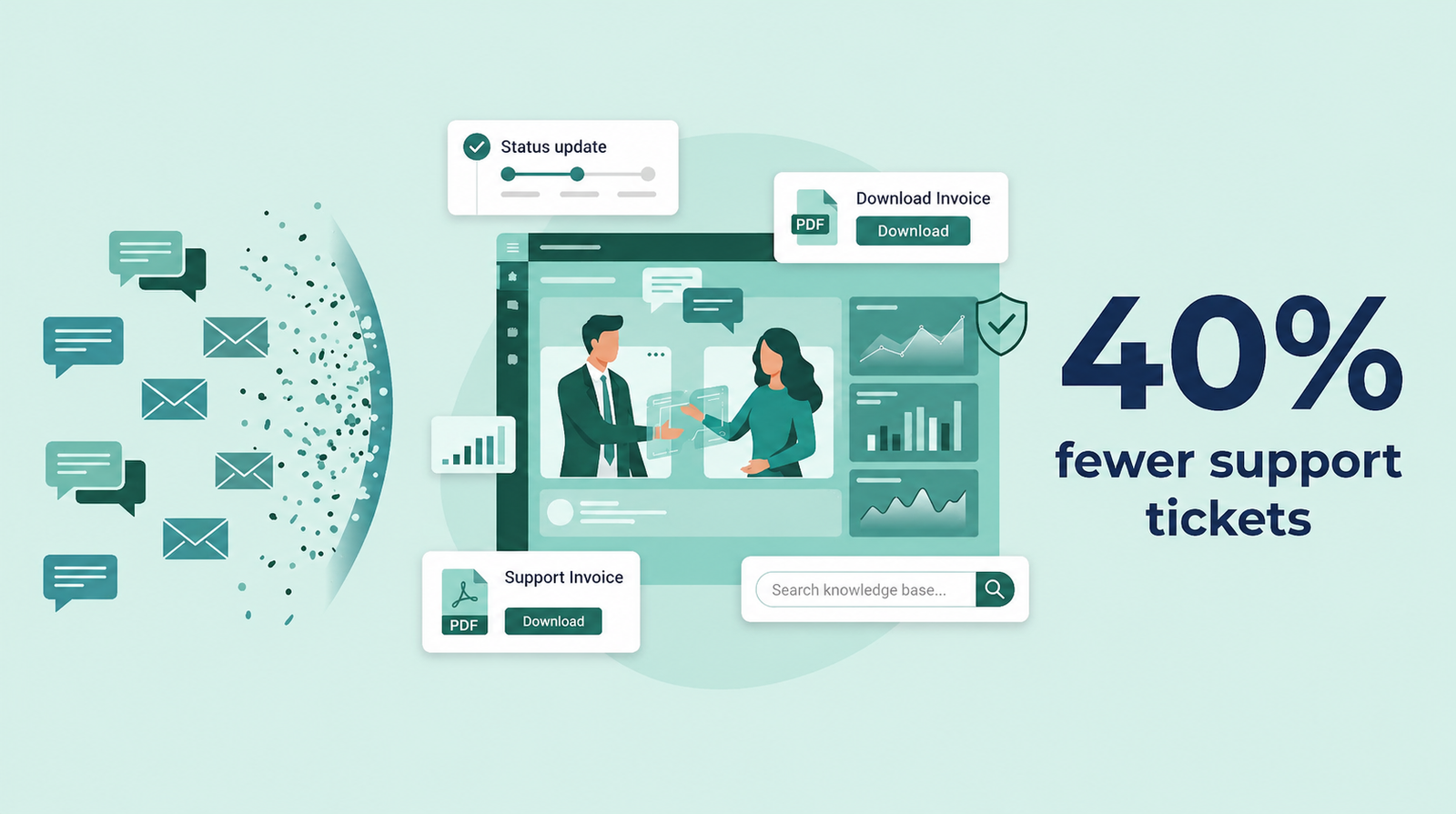
A customer portal closes that gap. By 2026 the enterprise median deflection rate for tier-1 queries sits at 41.2 percent, according to ClarityArc’s production benchmarks, with the top quartile clearing 58 percent. In plain terms, a well-built self-service layer can take roughly four in ten routine contacts off your agents’ plates before a ticket is ever created. The number is not magic, and it is not automatic. It depends on what the portal connects to and what it lets customers do. Here is how the reduction actually happens when the portal sits on top of Dynamics 365.
Why support volume climbs in the first place
The cost of a ticket is rarely the answer itself. It is the handling. A customer emails or calls, the request enters a queue, an agent reads it, opens Dynamics, finds the record, copies the detail, and replies. For a status check or a document request, the agent added nothing except access. The customer had a question Dynamics could already answer. They just could not reach it.
This is why volume scales with your customer base rather than with the complexity of your product. More customers means more routine lookups, and routine lookups are the bulk of most service queues. Demand for self-service reflects that: 60 percent of software users now expect a self-service option, and in B2B, 44 percent reach for a self-service channel as their first move, per HubSpot’s compiled customer service research. When you do not offer one, those people become tickets by default.
Mechanism one: deflecting questions before the ticket exists
The single largest lever is a knowledge base that surfaces the right answer at the moment a customer is about to ask. A Dynamics 365 customer portal does this with a searchable article library and a case deflection step that suggests relevant articles on the contact form itself, before the customer hits submit.
The sequence matters. A standalone help center that customers have to find on their own gets ignored. A deflection block built into the ticket flow meets people where they already are, at the point of frustration, and offers the answer in line. Portal products in this category, CRMJetty’s Dynamics 365 Customer Portal among them, ship this case deflection and knowledge base behavior out of the box, so you are curating content rather than building the mechanism. Worth being precise here: this is article search and suggestion, not an AI agent. It works because the content is good and the prompt is well placed, not because of a model.
Mechanism two: giving customers their own status visibility
The second lever removes the “where is my X?” category entirely. Because the portal reads and writes to Dataverse in real time, a customer logging in sees their actual case status, order history, shipment detail, and open activities, pulled live from the same records your agents work in. There is no stale copy and no sync lag to explain away.
When customers can check status themselves, an entire class of contact disappears. Nobody opens a ticket to ask a question they can answer in two clicks. This is also where round-the-clock access pays off, which is the next point.
Mechanism three: self-service account actions
Beyond looking things up, customers want to do things. Update a billing address. Download a signed quote or a past invoice as a PDF. Accept a proposal. Manage their own profile and contacts. Every one of those is a task that, without a portal, arrives as a request for an agent to perform on the customer’s behalf.
A Dynamics 365 portal hands those actions back to the customer with full create and update permission on the records you choose to expose. The work still lands in Dynamics, correctly attributed, but no agent had to touch it. That is deflection of a different kind: not just questions answered, but tasks completed without a queue.
Mechanism four: answers outside business hours
A portal does not keep office hours. Questions that arrive at 9 p.m. on a Saturday either wait in a queue until Monday or get answered immediately by self-service. The ones answered immediately never become tickets, and they never become the follow-up tickets that start with “I emailed two days ago and haven’t heard back.” Availability compounds: it deflects the original contact and the chase that would have followed it.
The tickets that still come through
Deflection is never total, and it should not be. Complex, sensitive, or genuinely novel issues belong with a person. The goal is to clear the noise so agents have the time and attention those cases deserve.
On that residual volume, the portal still helps by keeping everything in one connected thread. Case comments, attachments, and history live against the Dynamics record, so an agent picking up a case has the full context without hunting across email. Some portal products layer agent-side assists on top, such as suggested reply drafts, to speed resolution. Treat that as efficiency on the tickets you keep, not as part of the deflection number.
What actually drives the result
The 40 percent figure is a benchmark, not a guarantee, and the gap between teams that hit it and teams that do not comes down to a few choices.
First, the connection has to be live. A portal that batch-syncs or shows a cached view reintroduces the exact “let me check on that” problem you were trying to remove. Real-time Dataverse read and write is the baseline, not a feature.
Second, the knowledge base has to be maintained. Deflection tracks content quality almost linearly. The benchmark leaders reach their numbers only after sustained investment in articles and tagging. A portal gives you the mechanism; the content is on you.
Third, the deployment model has to fit your data rules. Many Dynamics 365 organizations in regulated sectors cannot move customer data off their own servers. That single constraint rules out some options entirely. Microsoft Power Pages, for instance, has no on-premise path and prices per authenticated user and per page view, which can work against you precisely as adoption grows. Tools in this category vary: CRMJetty, as one example, runs in the cloud or on-premise and uses a flat-fee model, so cost does not climb with portal traffic. Whatever you choose, check that the commercial and hosting model rewards adoption instead of penalizing it.
The takeaway
Reducing support tickets on Dynamics 365 is less about working the queue harder and more about removing the reasons the queue fills. A customer portal does that by turning your CRM from an internal system of record into a customer-facing system of access. Status checks, document retrieval, account updates, and first-line questions move to self-service, and your agents get back the hours those interactions used to cost.
The benchmark says up to roughly 40 percent of routine contact can shift this way. Whether you reach that depends on a live Dataverse connection, a knowledge base you actually maintain, and a portal that fits how your business is allowed to run. Get those three right, and the ticket reduction is not a marketing claim. It is arithmetic.
